
OpenComic
Discover OpenComic, the versatile Linux manga reader. Read our review of its advanced image scaling, remote server support, and customizable layout options.
A Comprehensive Look at the OpenComic Manga Reader
OpenComic manga reader is a powerful, open-source application designed specifically for Linux users who want a seamless, highly customizable reading experience for their digital comic and manga collections. For enthusiasts who struggle with poorly optimized image viewers or rigid PDF readers, this dedicated software offers an elegant solution that respects the unique layout requirements of sequential art.
Versatile Format Support and Seamless Compatibility
One of the standout attributes of this utility is its extensive compatibility list. Whether your library consists of raw image directories, compressed archives, or standard document formats, the application handles them without requiring pre-extraction. Supported file types include:
- Standard Images: JPG, PNG, WEBP, AVIF, HEIC, SVG, and BMP.
- Compressed Archives: CBZ, CBR, CB7, CBT, CBA, ZIP, RAR, and 7Z.
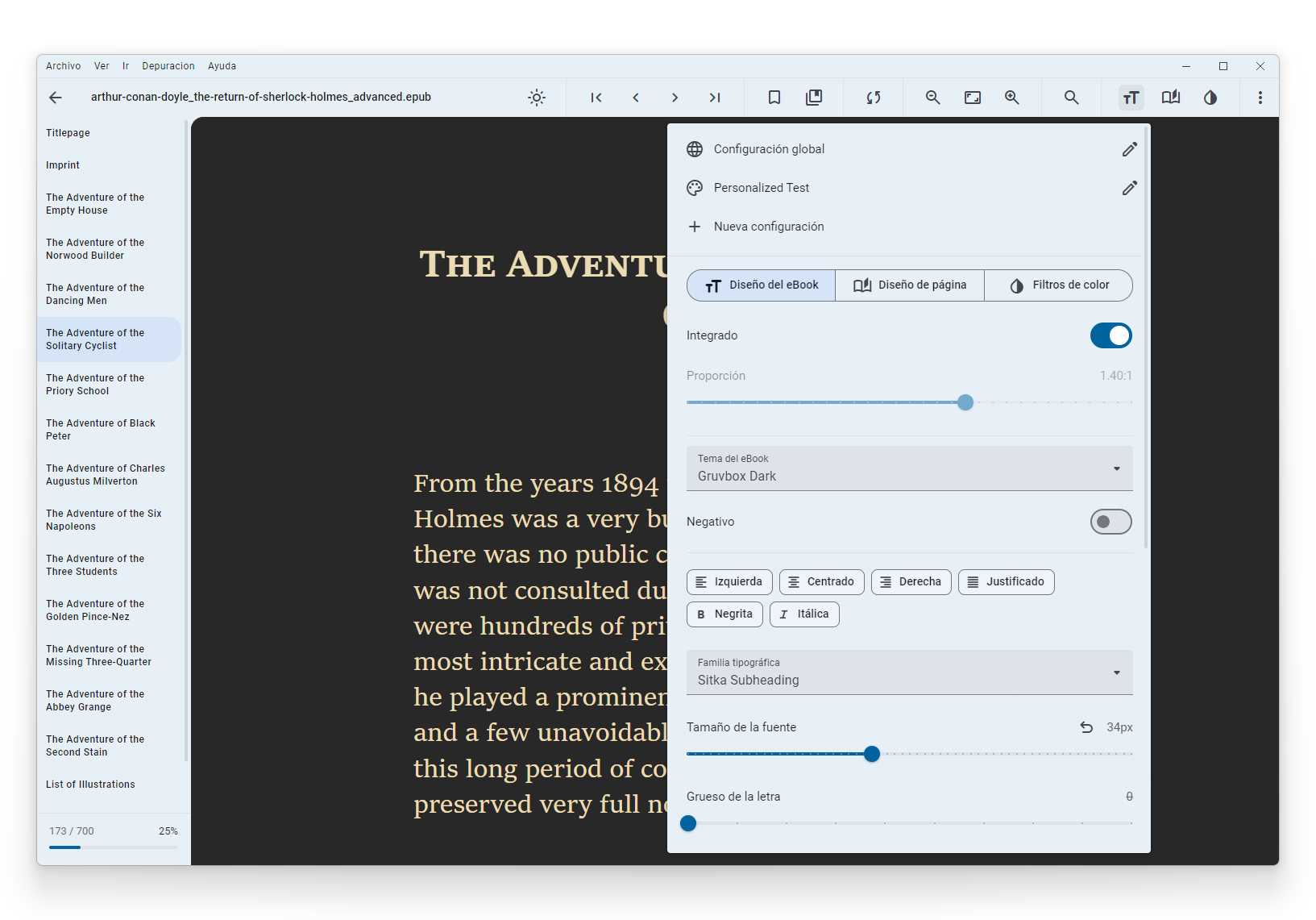
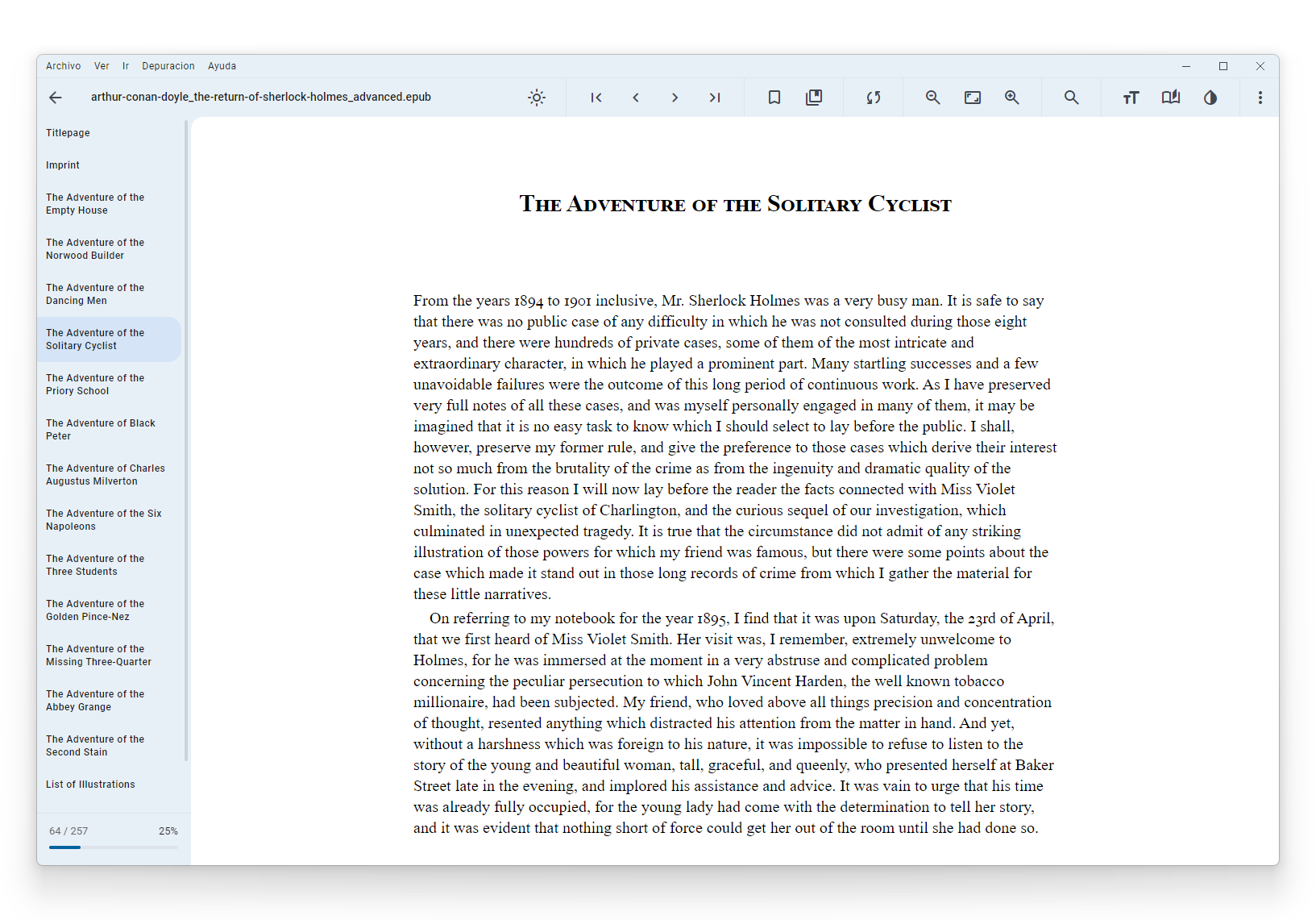
- Documents: PDF and EPUB (Alpha).
Tailored Viewing Modes for Global Content
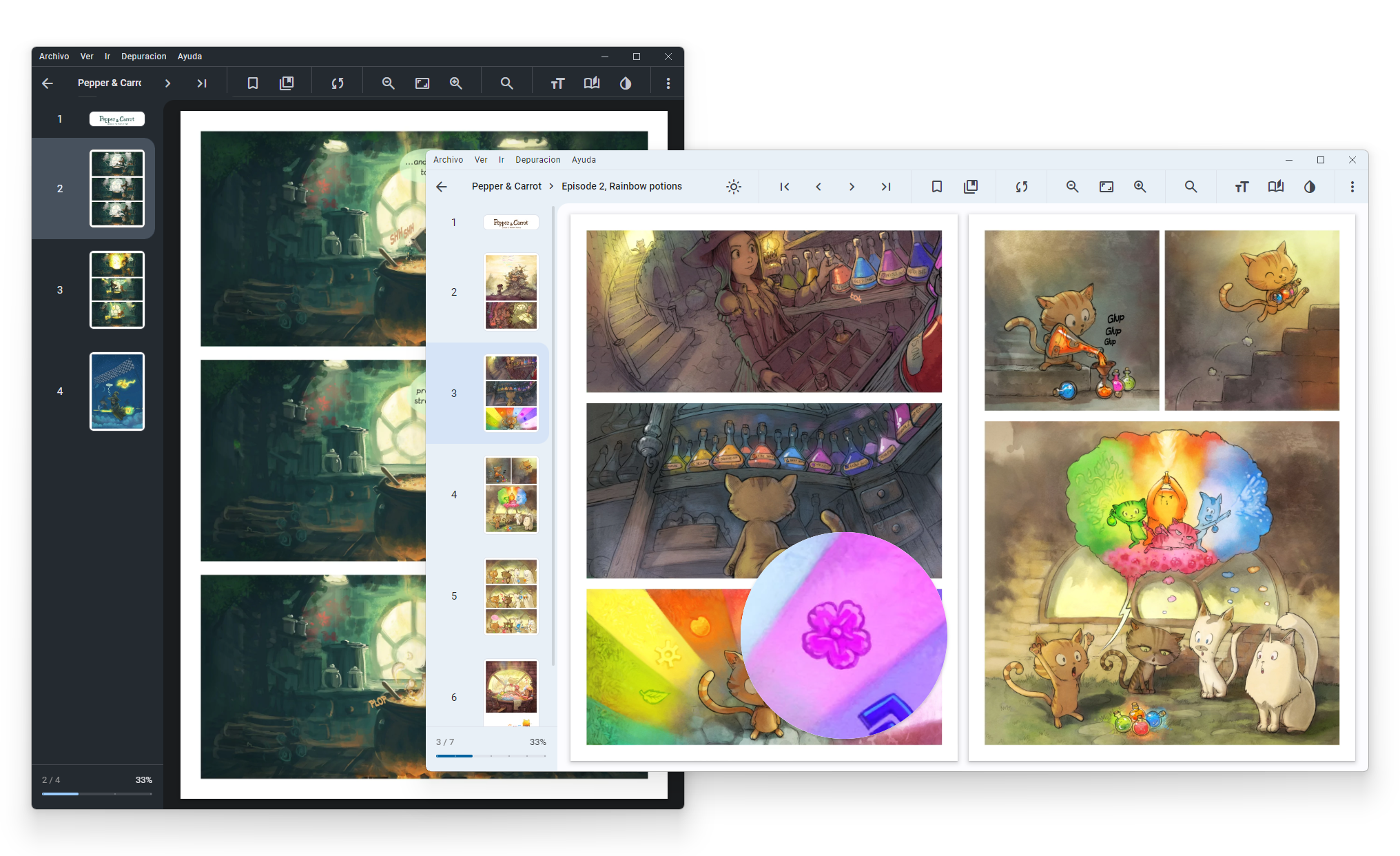
Different comic styles demand different presentation formats. The OpenComic manga reader accommodates these variations perfectly by offering specialized viewing modes. Users can toggle a dedicated Manga Mode for right-to-left reading flow, or switch to Webtoon Mode for vertical, continuous scroll layouts. Additionally, a double-page view simulates the feel of holding a physical book, complete with a floating magnifying glass for inspecting intricate panel details.
Advanced Image Tuning and Custom Controls
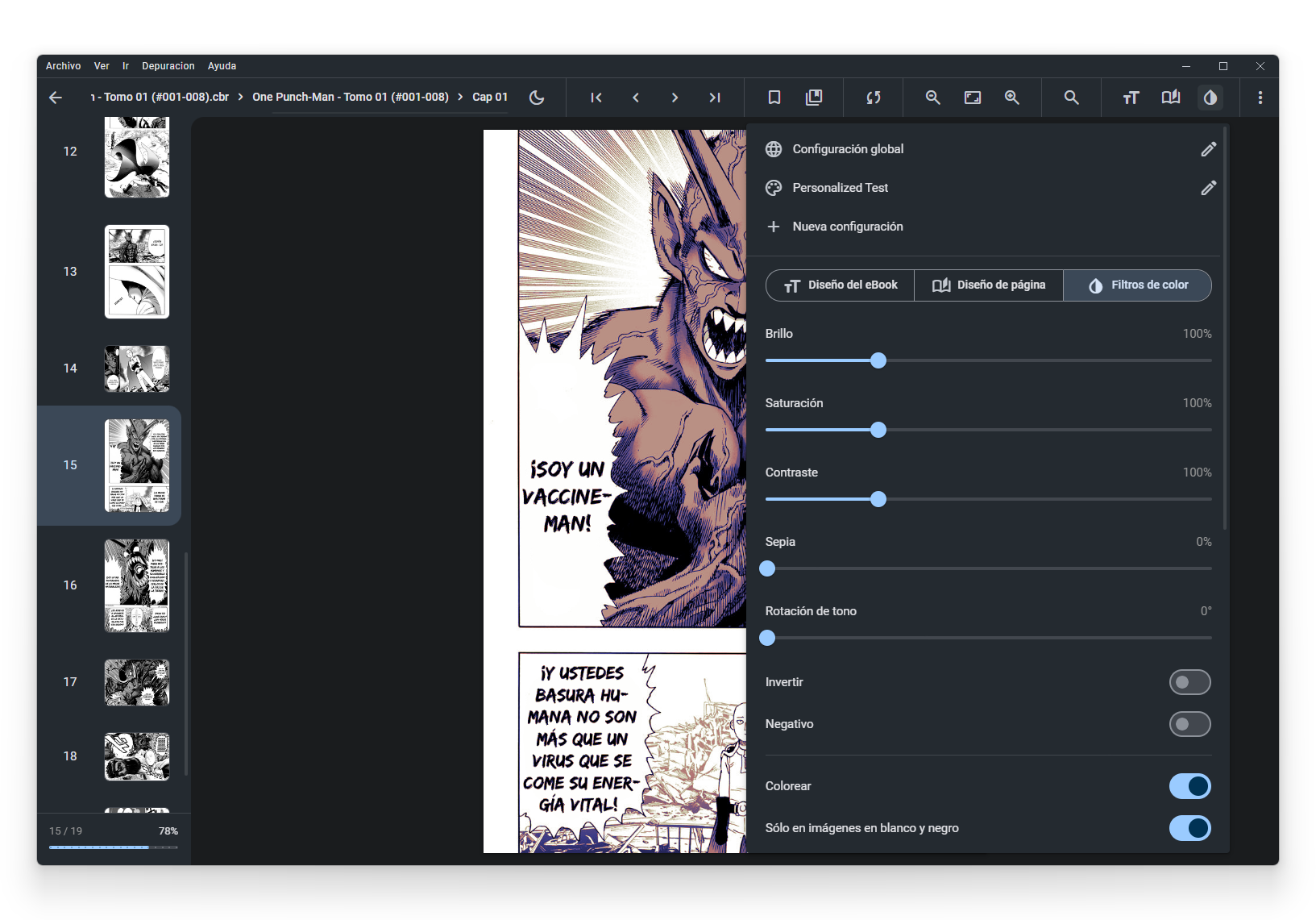
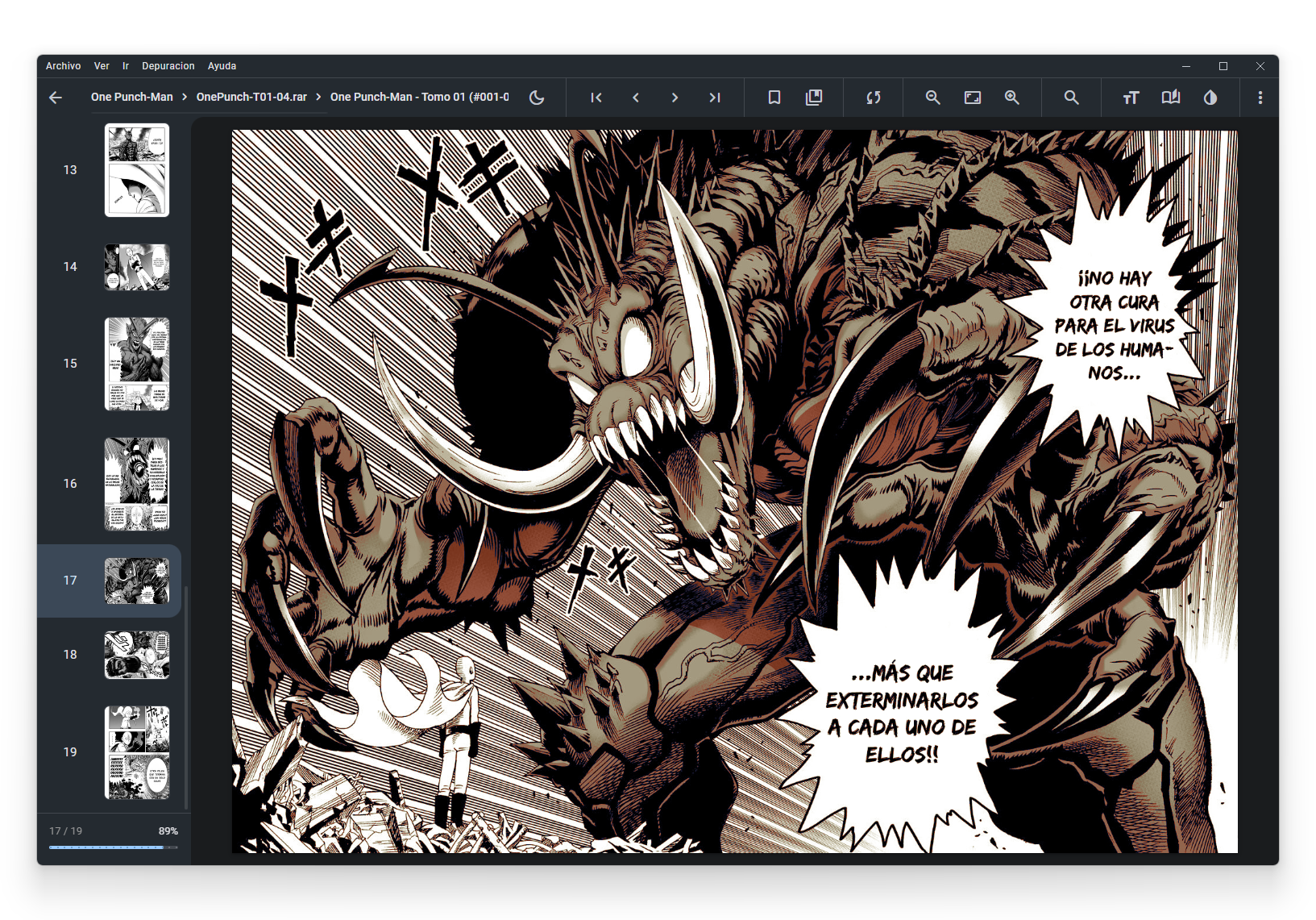
To ensure optimal visual quality on any display, the reader includes built-in adjustment tools for brightness, contrast, saturation, and sepia tones. It even features colorization options for black-and-white scans and multiple high-end interpolation methods (such as Lanczos3 and Mitchell) to prevent pixelation when scaling pages. Navigation is equally flexible, supporting custom keyboard shortcuts, tap zones, and gamepad support for a relaxed viewing experience from the couch.
Remote Server Integration and Tracking
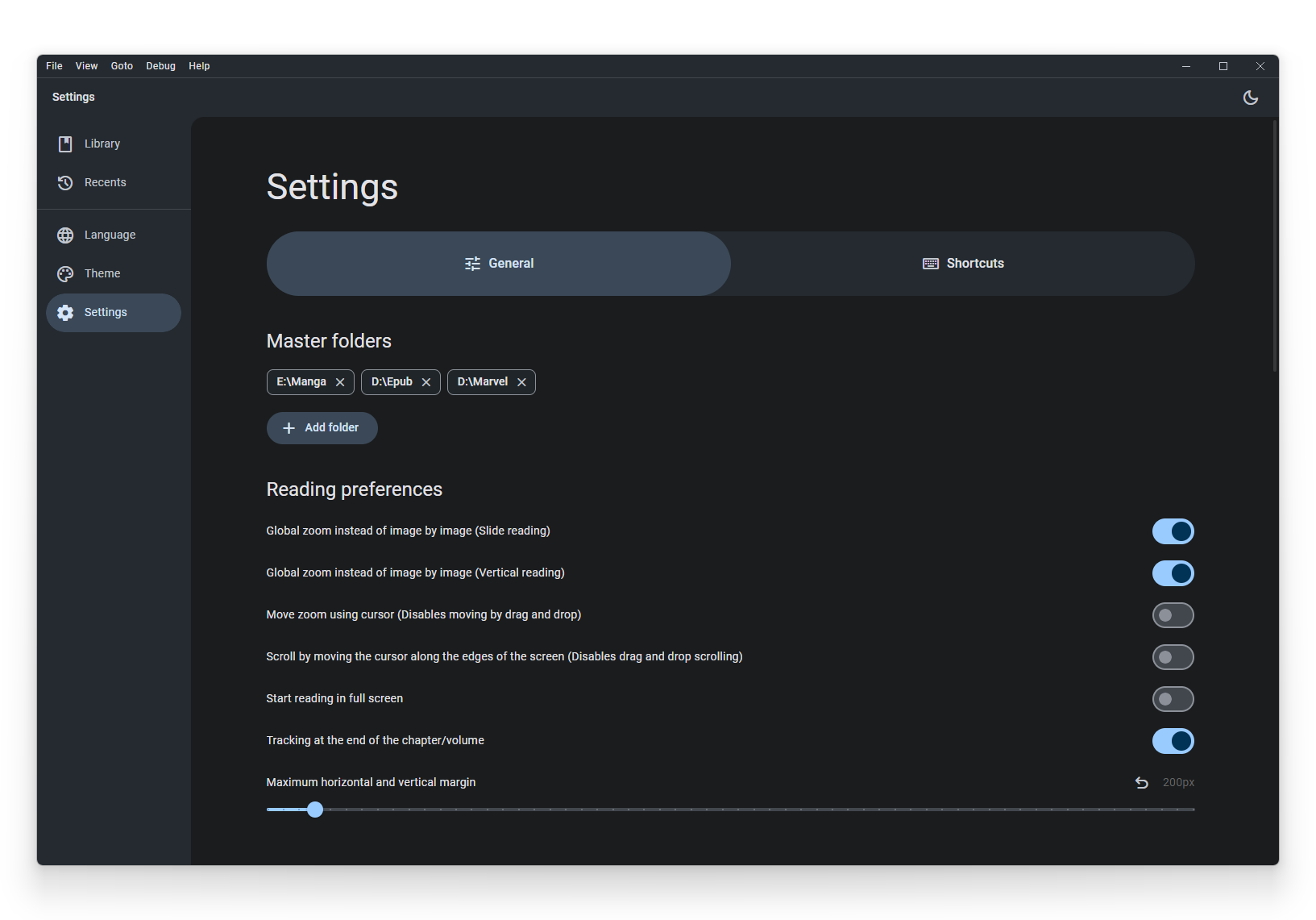
For readers with massive libraries stored off-device, the application supports direct connections to remote servers via SMB, FTP, SFTP, WebDAV, and S3. This allows you to stream your collection without consuming local storage. Furthermore, built-in tracking integration with AniList and MyAnimeList ensures your reading progress is automatically synchronized across platforms.
Is the OpenComic Manga Reader Right for You?
If you are a Linux user seeking a robust, feature-rich desktop client that treats your digital library with the care it deserves, this application is an exceptional choice. You can explore more details or install the software directly by visiting the official OpenComic page on Flathub.