
FotoJet Photo Editor
Explore our comprehensive review of FotoJet Photo Editor for Mac. Discover how this intuitive tool helps you enhance images and apply stunning filters.
An All-in-One Mac Solution for Creative Image Editing
For Mac users seeking a balance between complex professional software and overly simplistic mobile ports, finding the right desktop image editor can be a challenge. FotoJet Photo Editor Mac software bridges this gap beautifully. Developed by PearlMountain Technology Co., Ltd, this utility-focused design application is tailored for creators who need to produce polished, high-quality visuals without a steep learning curve. Whether you are prepping graphics for social media, touching up personal memories, or designing promotional materials, it delivers a robust suite of tools directly to your macOS desktop.
Core Features of the FotoJet Photo Editor Mac Software
The application is built around efficiency, offering a comprehensive toolkit that caters to both quick fixes and detailed creative enhancements. Here is a breakdown of what makes the FotoJet Photo Editor Mac software stand out in the crowded design category:
- Precision Exposure & Color Tuning: Fine-tune your images with detailed controls for brightness, contrast, highlights, shadows, saturation, temperature, and tint.
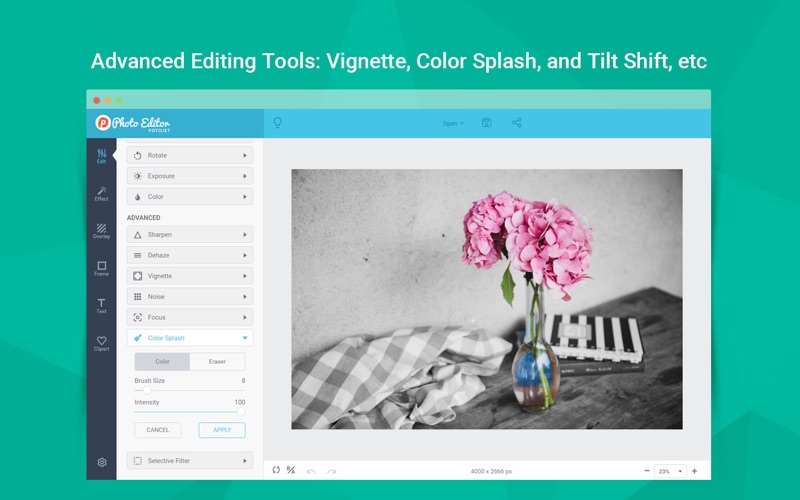
- Advanced Visual Effects: Elevate your photography with specialized tools like Dehaze, Vignette, Noise adjustment, Radial Focus, Tilt-Shift, and Color Splash.
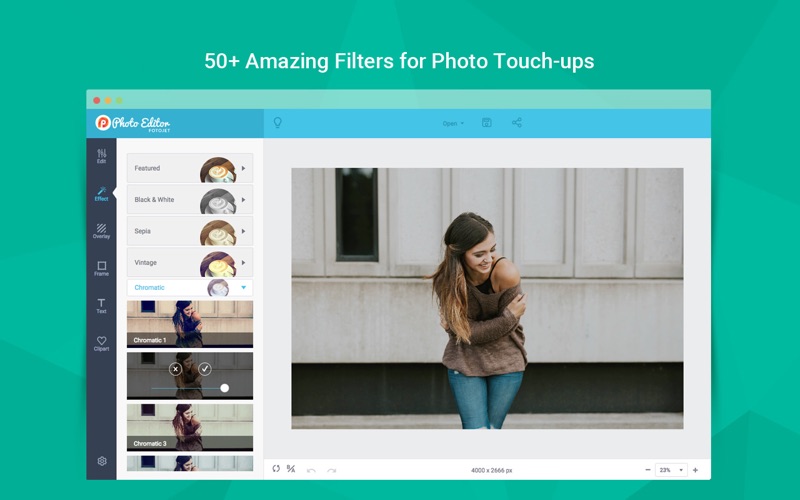
- Creative Filters: Instantly transform your photos using over 50 professional filters categorized into popular styles like Vintage, Lomo, B&W, and Sepia.
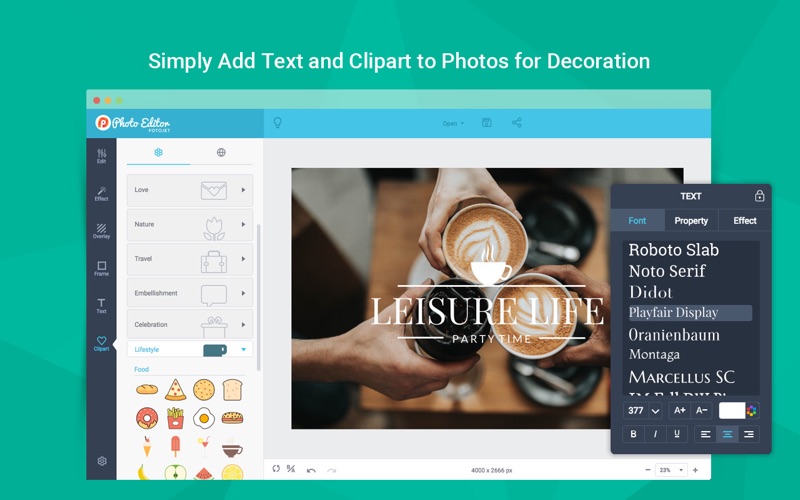
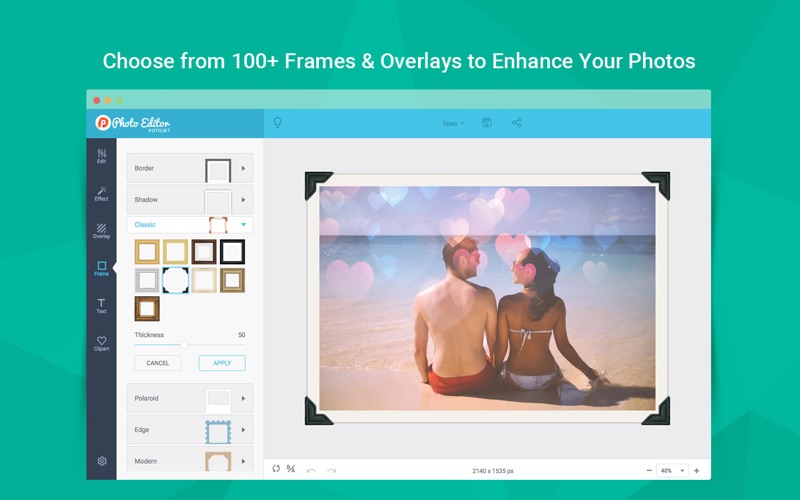
- Graphic Overlays and Frames: Choose from more than 70 delicate overlays, 40+ artistic frames, and over 800 preset clipart images to add unique texture and context to your work.
- Flexible Typography: Add text quickly using over 30 preset text styles, with complete control over fonts, alignment, opacity, and color.
Who Benefits Most from This Editor?
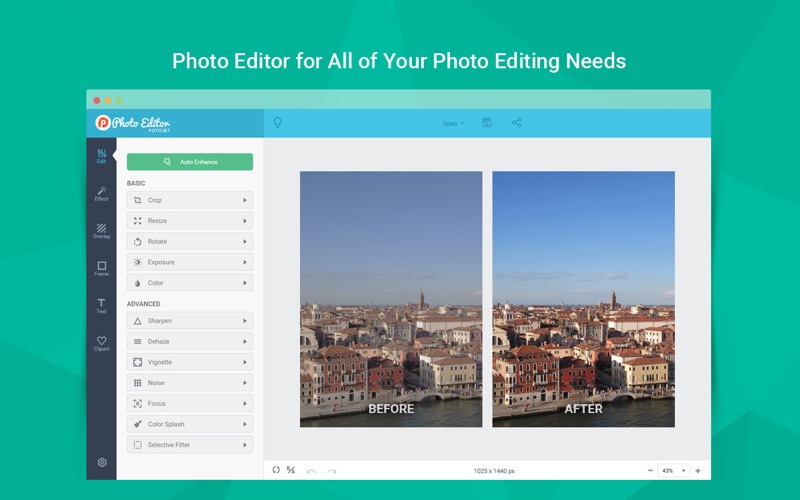
This software is particularly beneficial for small business owners, content creators, and hobbyist photographers who require swift, professional-looking results. Instead of spending hours mastering complex layer masks, users can utilize the auto-enhance feature or selectively apply filters to target areas with minimal effort. Its built-in comparison tools, such as the one-click before/after view and instant restore options, make experimentation entirely risk-free.
Get Started with Your Next Design Project
If you are ready to streamline your creative workflow on macOS, this application offers an excellent balance of simplicity and power. To explore its full capabilities and add this versatile tool to your creative arsenal, visit the official Mac App Store to get your copy today.