
Musbox Player
Read our comprehensive review of Musbox Player, a clean and intuitive Windows music organizer designed to simplify your local audio library management.
Streamline Your Local Library with Musbox Player Music Organizer
If you are tired of cluttered folders and disorganized audio tracks on your PC, the Musbox Player music organizer offers a refreshing, highly structured approach to managing your local sound files. Developed by neosonne, this Windows media application is designed for listeners who prefer the reliability of offline audio libraries over streaming services. Instead of spending hours manually tagging and sorting your tracks, this utility automates the cataloging process so you can focus entirely on the listening experience.
Automated Classification and Smart Categorization
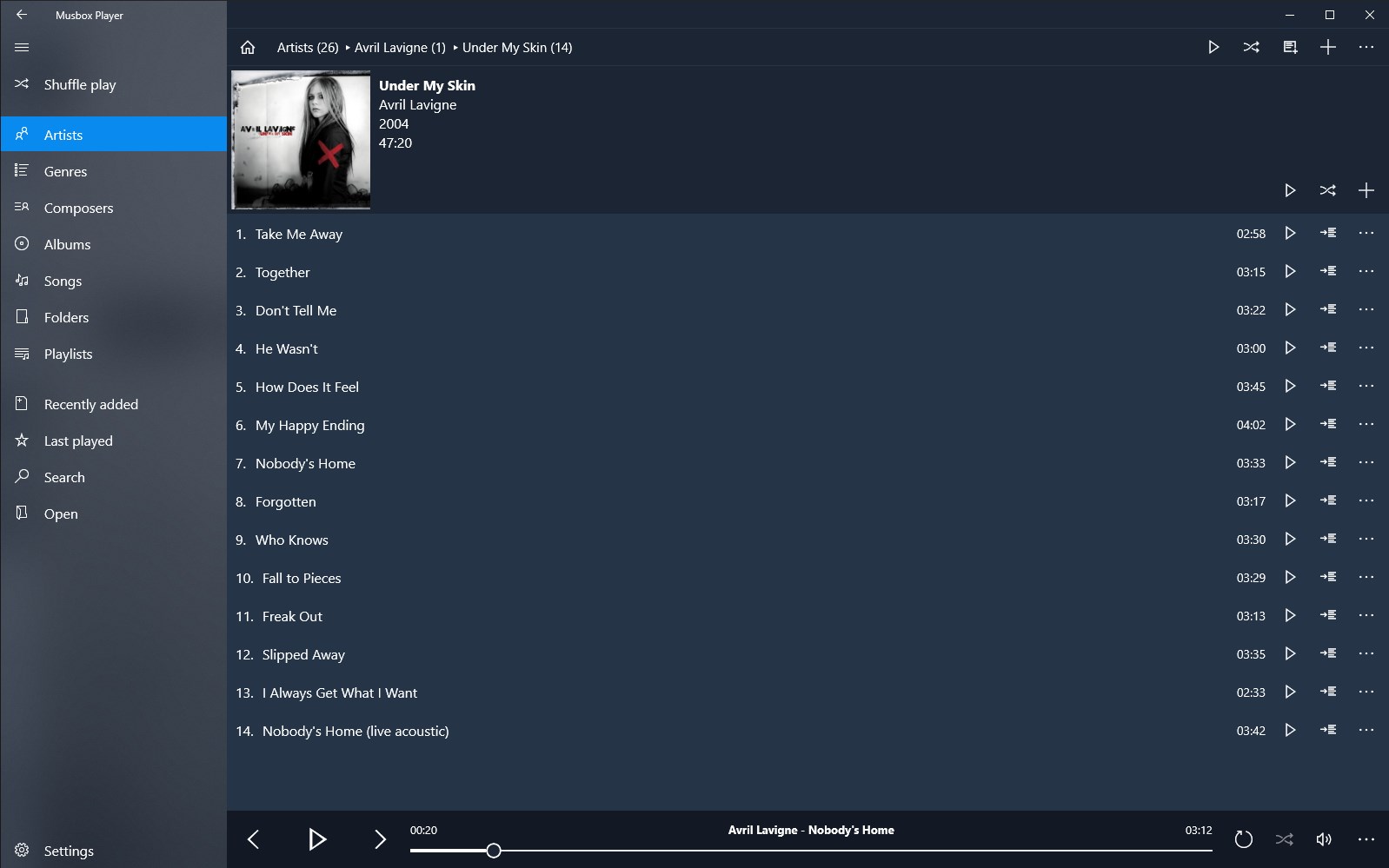
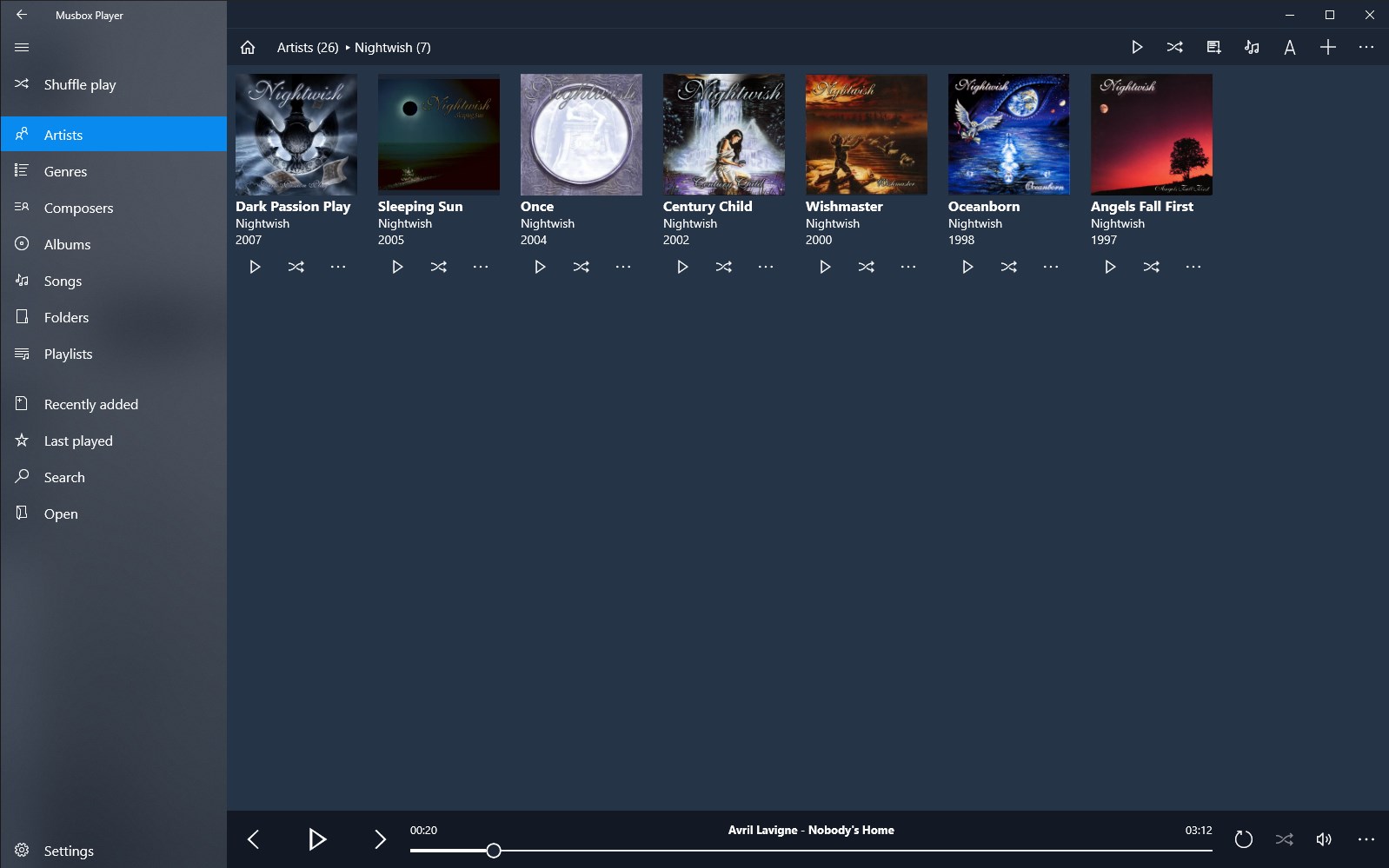
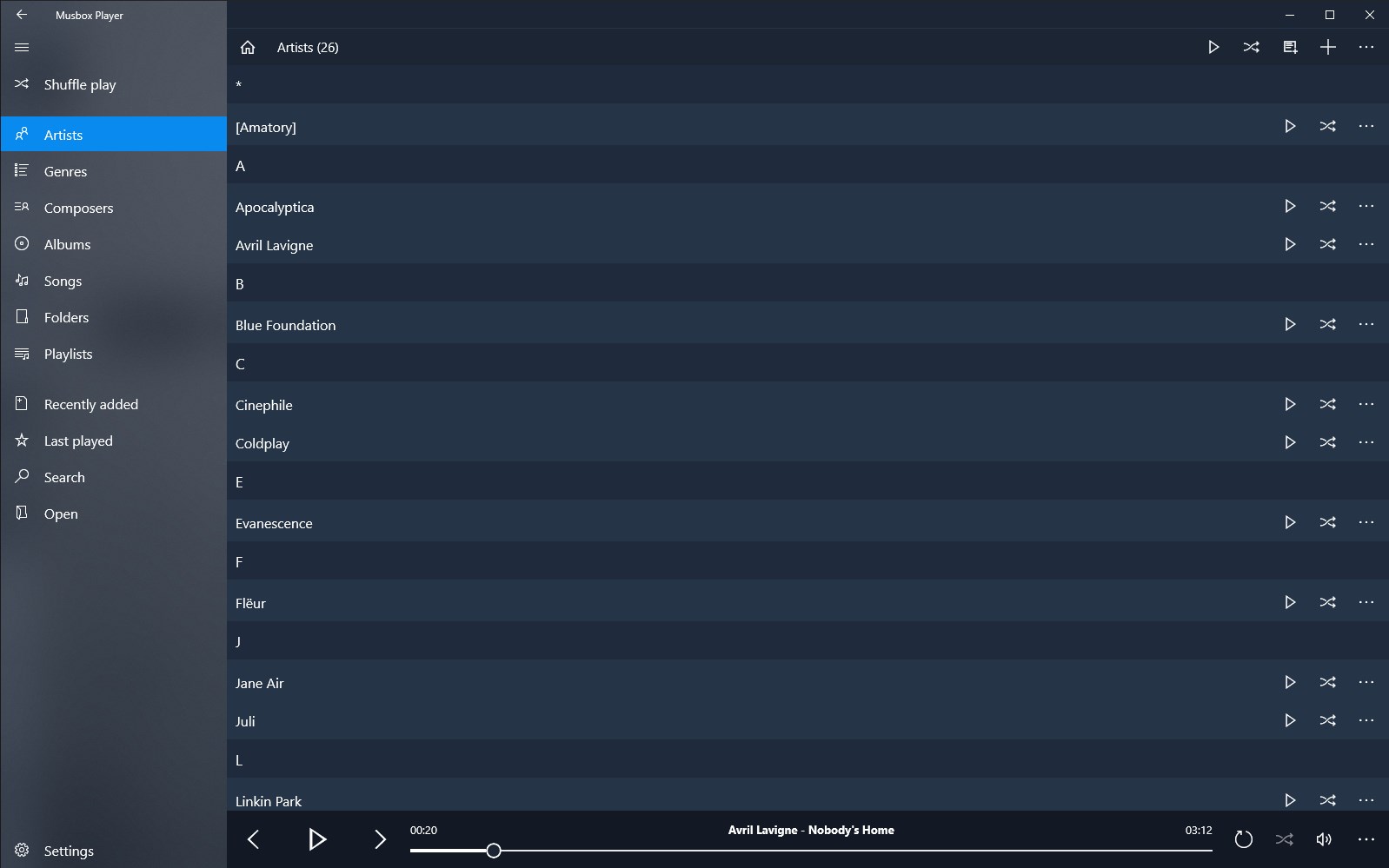
The standout feature of this software is its immediate sorting capability. The moment you point the player to your directory, it automatically indexes and segments your collection into five primary categories:
- Artists: Group your tracks by performing musicians or bands.
- Genres: Browse your library by musical styles and moods.
- Composers: Ideal for classical and instrumental enthusiasts who organize files by the original creator.
- Albums: View your music through traditional cohesive records.
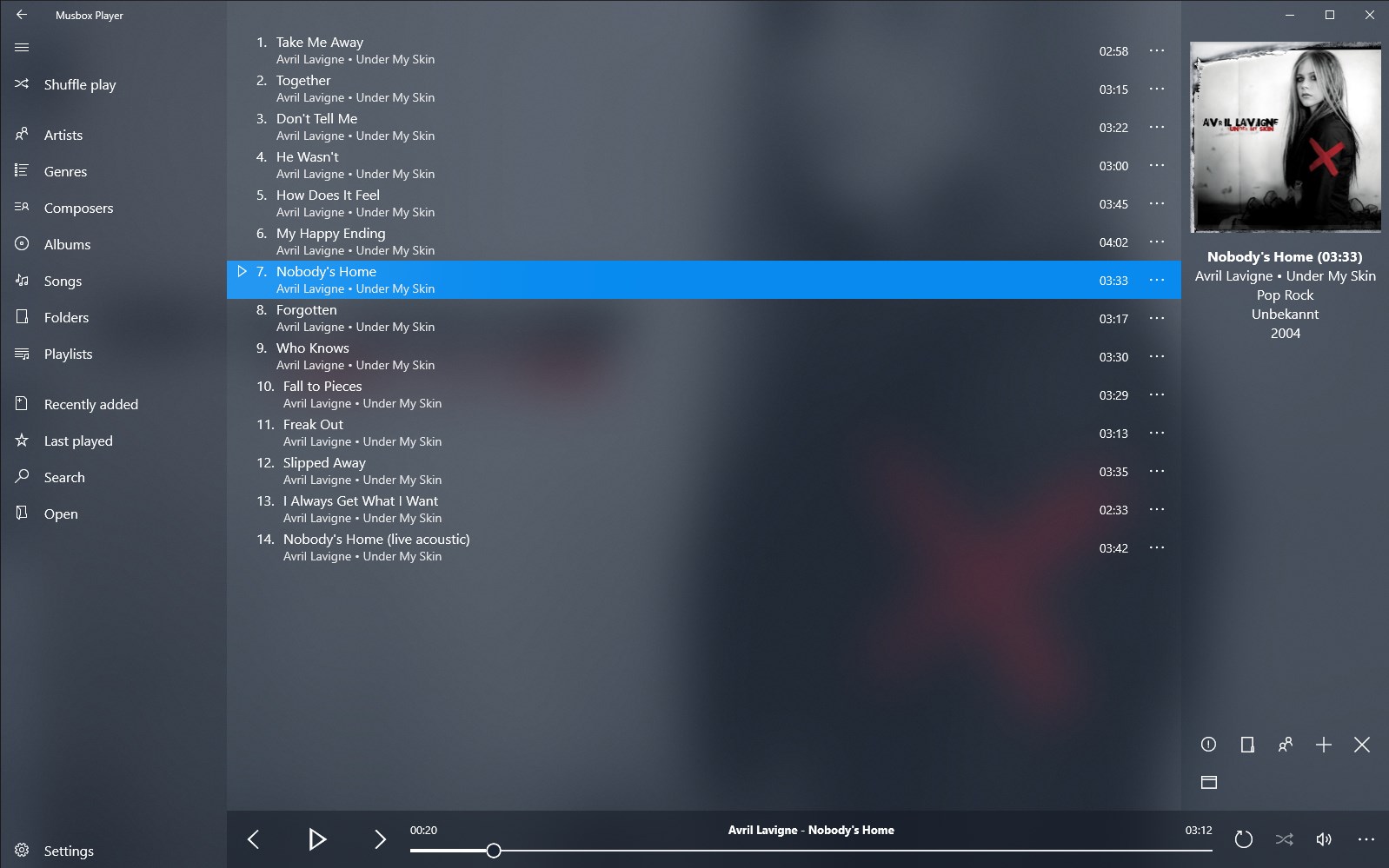
- Songs: Access a complete, searchable list of every individual audio file.
By using these automated taxonomy rules, the Musbox Player music organizer saves you from navigating complex folder structures just to find a single song.
Flexible Folder Navigation and Custom Playlists
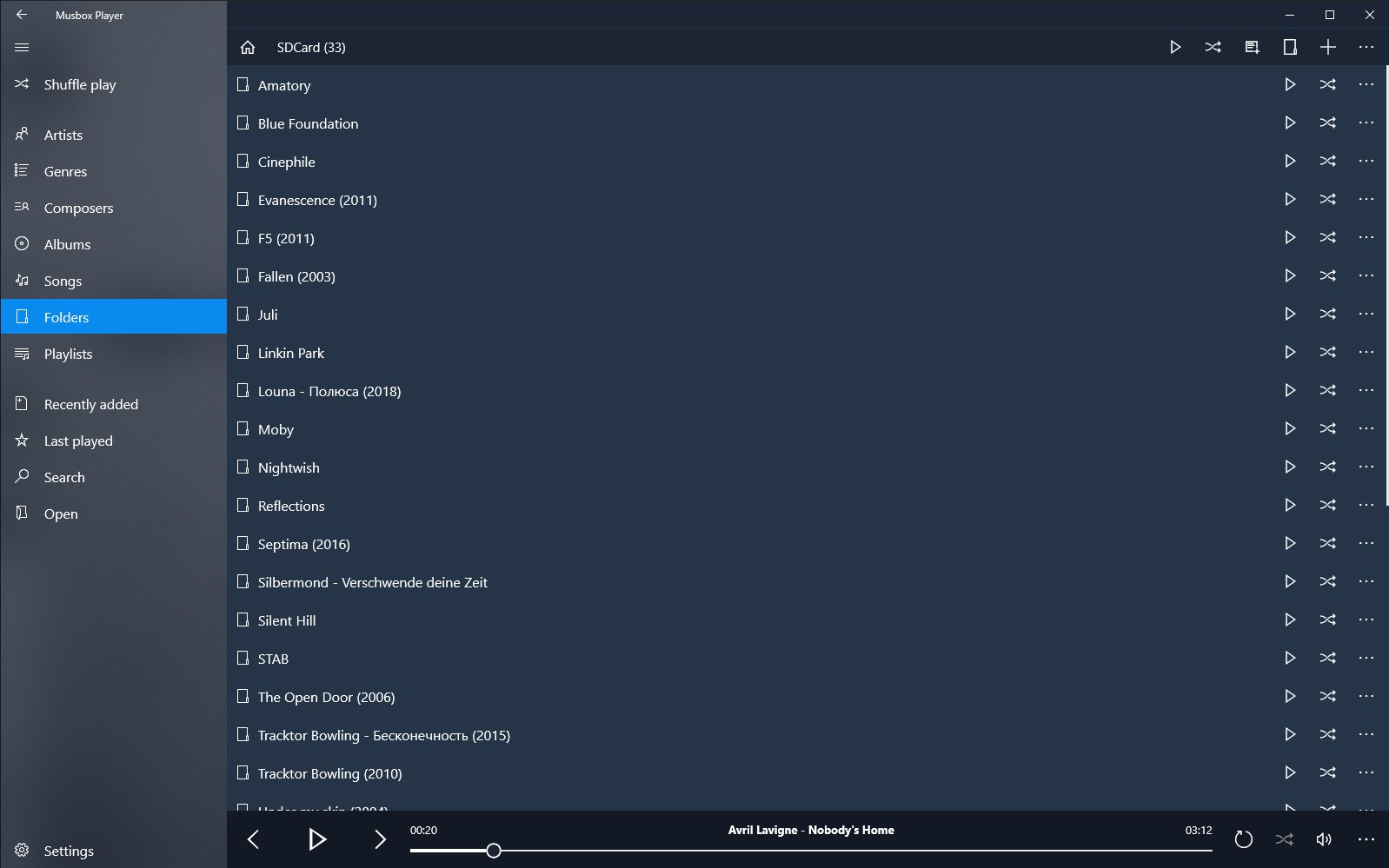
While automated sorting is convenient, some users prefer their own pre-established file directories. This tool accommodates both preferences by allowing you to navigate directly through your native Windows folders. You can browse your physical storage drives within the app interface and play directories directly. Additionally, the software features a straightforward playlist creator, enabling you to curate custom soundtracks for working, relaxing, or studying with just a few clicks.
Personalize Your Listening Environment
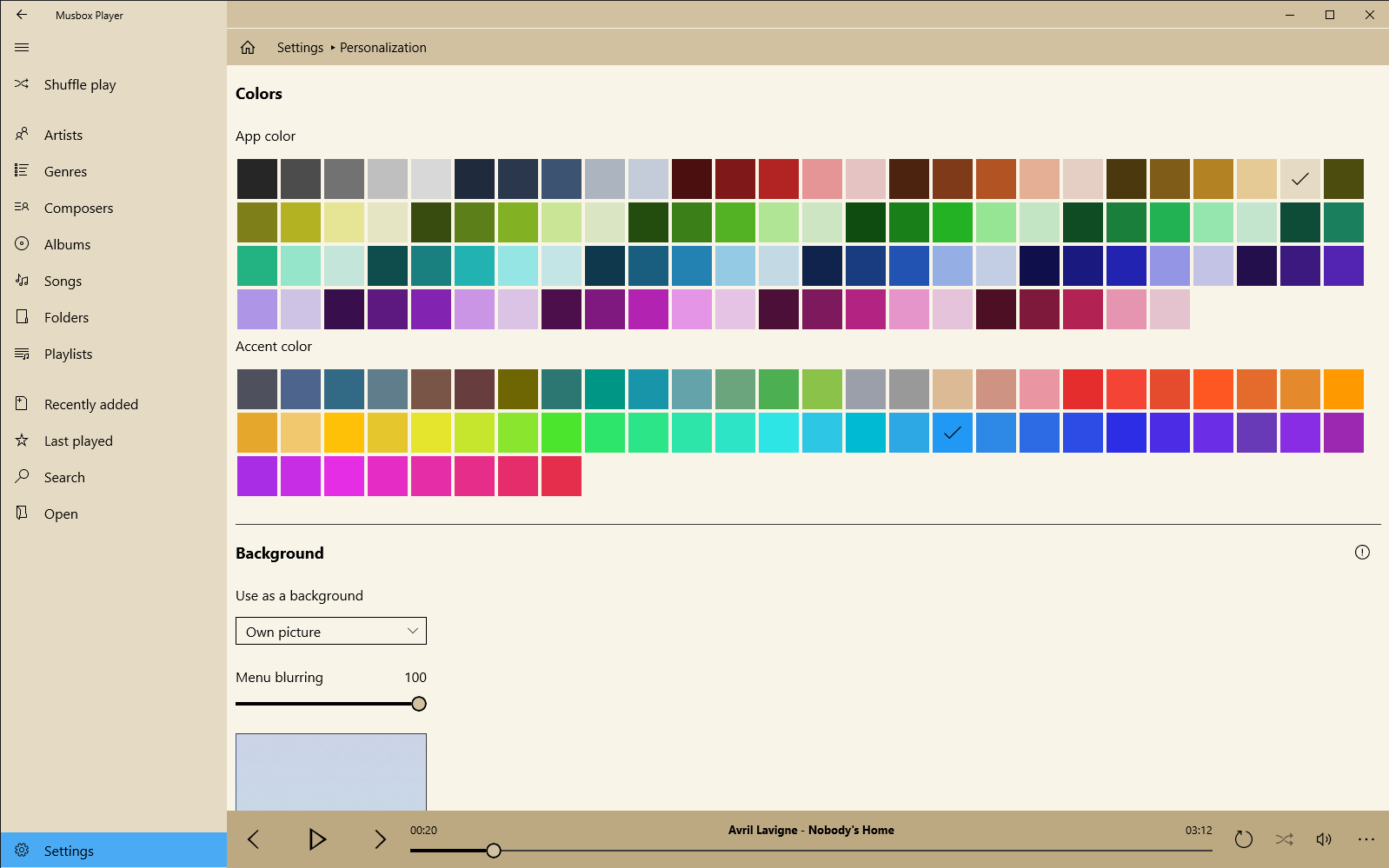
A great audio player should look as good as it sounds. The user interface is designed with simplicity in mind, ensuring that system resources remain light while offering essential personalization options. Users can easily modify the application's aesthetic by changing the accent colors and choosing custom background images to match their desktop theme.
Is This the Right Player for Your Windows PC?
If you have a large collection of downloaded files and need a lightweight, offline media tool that doesn't bog down your system, this is an excellent choice. It avoids complex cloud configurations in favor of local, reliable playback. To experience this streamlined organization firsthand, head over to the official Microsoft Store to acquire the app for your Windows device.