
MoneyPoint
Discover MoneyPoint, a fully local Windows personal finance tracker designed to secure your financial data without requiring bank logins or cloud access.
A Hands-On Experience with MoneyPoint Personal Finance Tracker
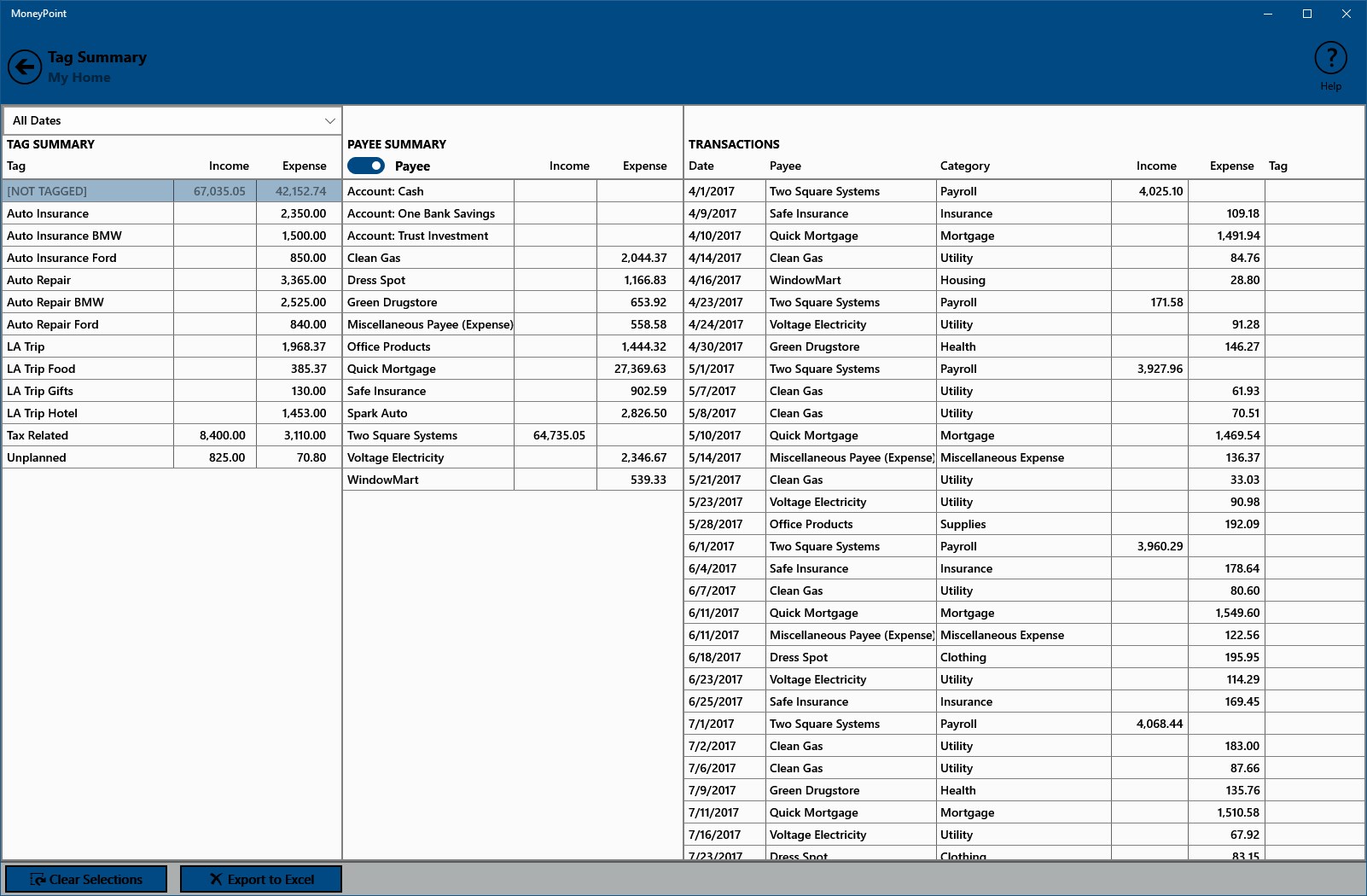
Managing money effectively often comes down to finding a balance between robust features and data security. During our review of the MoneyPoint personal finance tracker by Two Square Systems, the first thing that stands out is how rapidly it operates. Because the application does not rely on external cloud servers, navigating through transaction ledgers and generating reports happens almost instantaneously.
Unlike modern financial applications that demand your private banking passwords, this offline-first Windows utility keeps your sensitive information entirely under your control. You manually input or import your data, allowing you to organize your household or small business finances without exposing your bank accounts to online vulnerabilities.
Core Features of the MoneyPoint Personal Finance Tracker
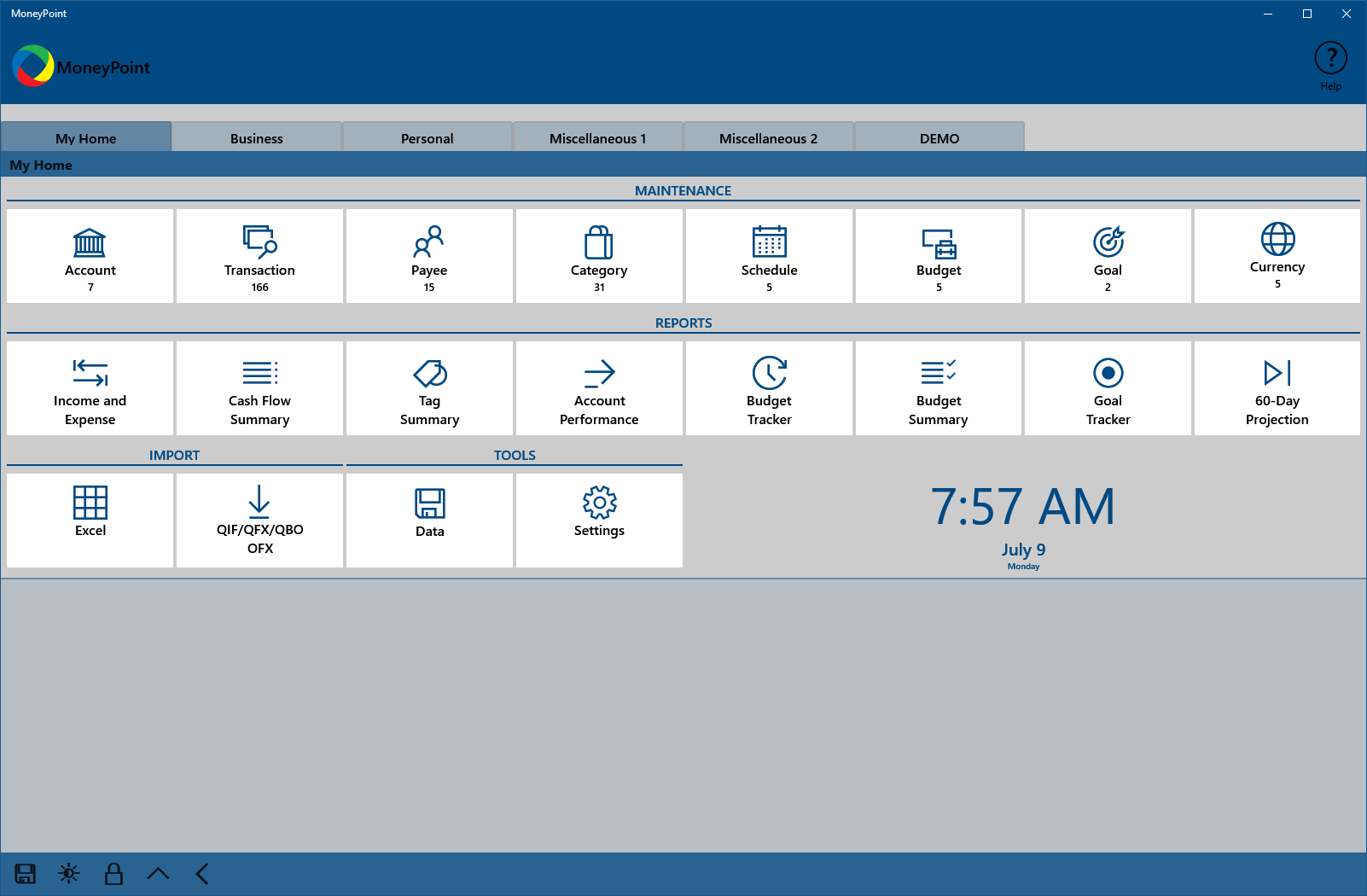
The application is packed with practical tools designed to give you a clear picture of your financial health. Here are the key systems built into the platform:
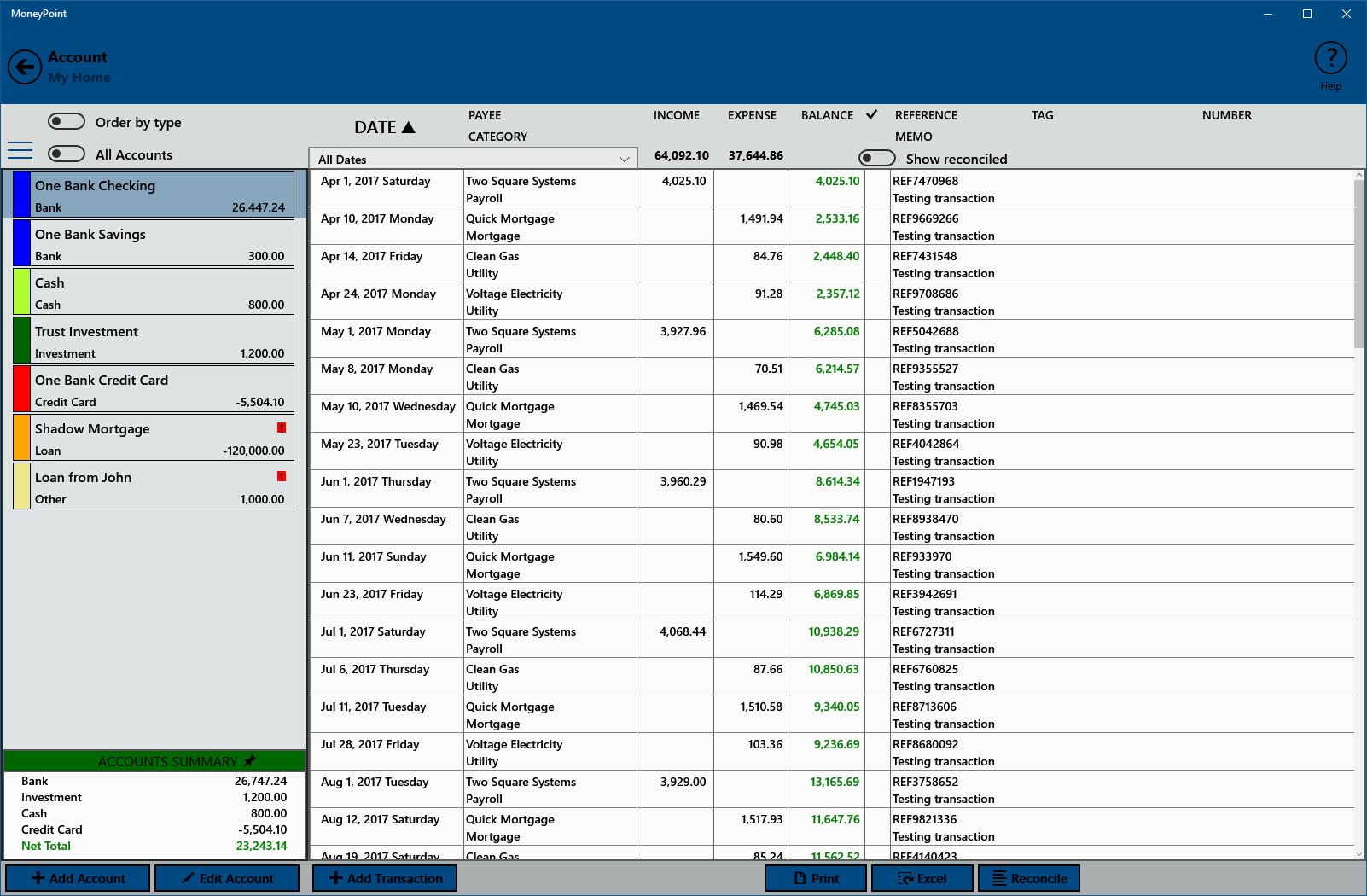
- Comprehensive Account Management: Track multiple accounts, categorize daily transactions, and reconcile your balances easily.
- Budgeting and Goal Setting: Establish clear boundaries for your spending and monitor your progress toward specific savings targets.
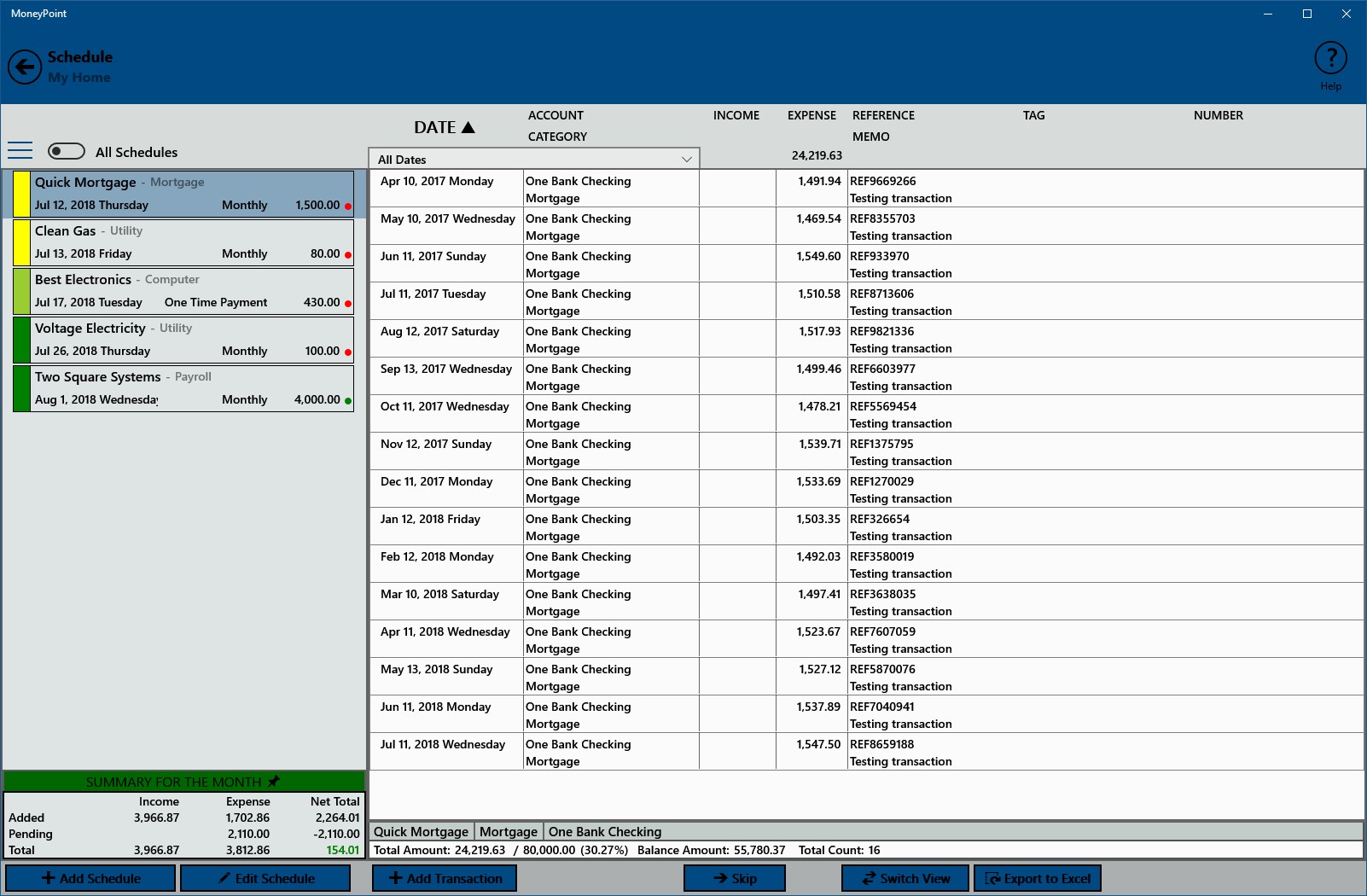
- Scheduled Transactions: Keep track of recurring bills, payees, and future financial obligations to prevent missed payments.
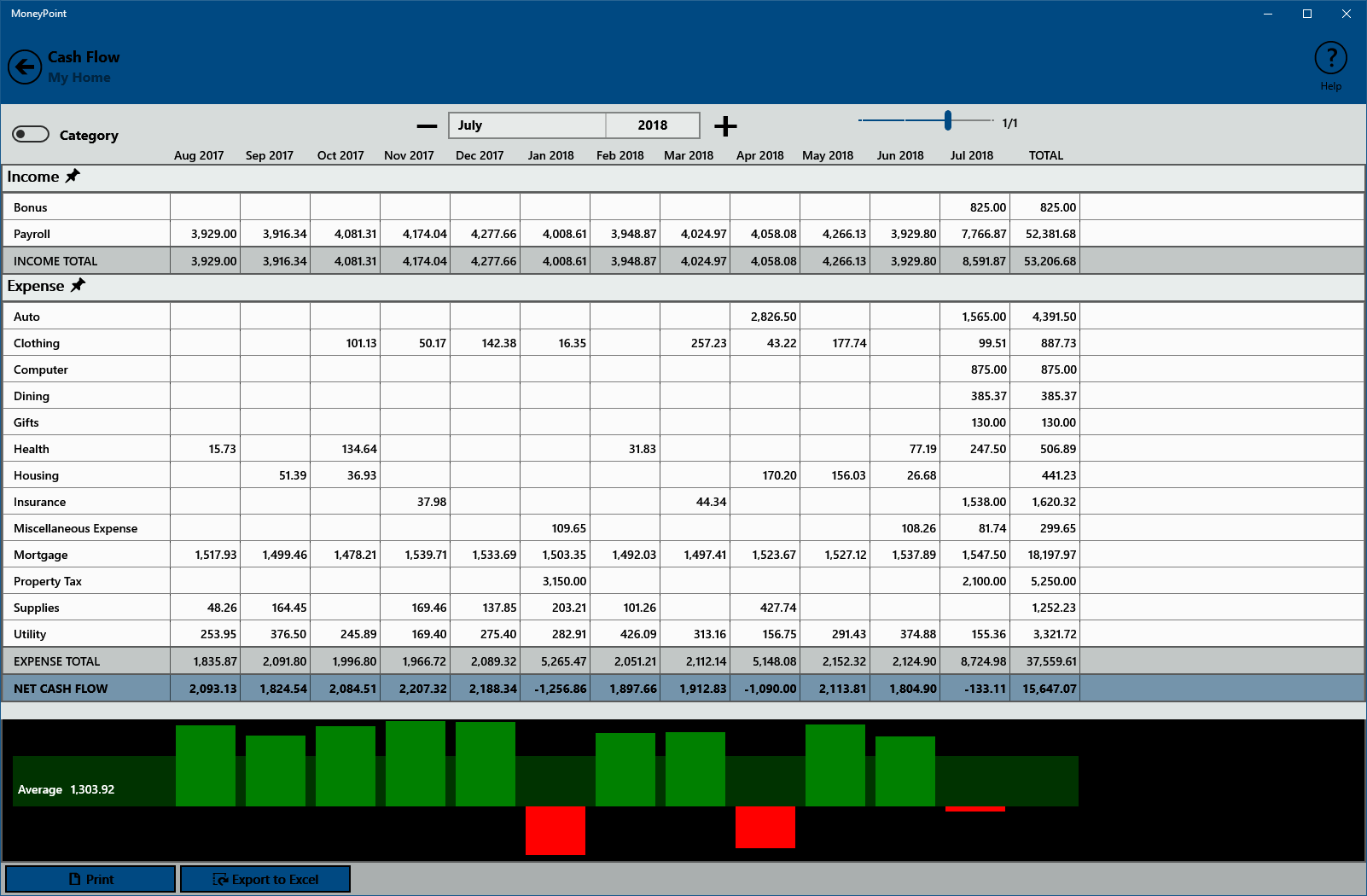
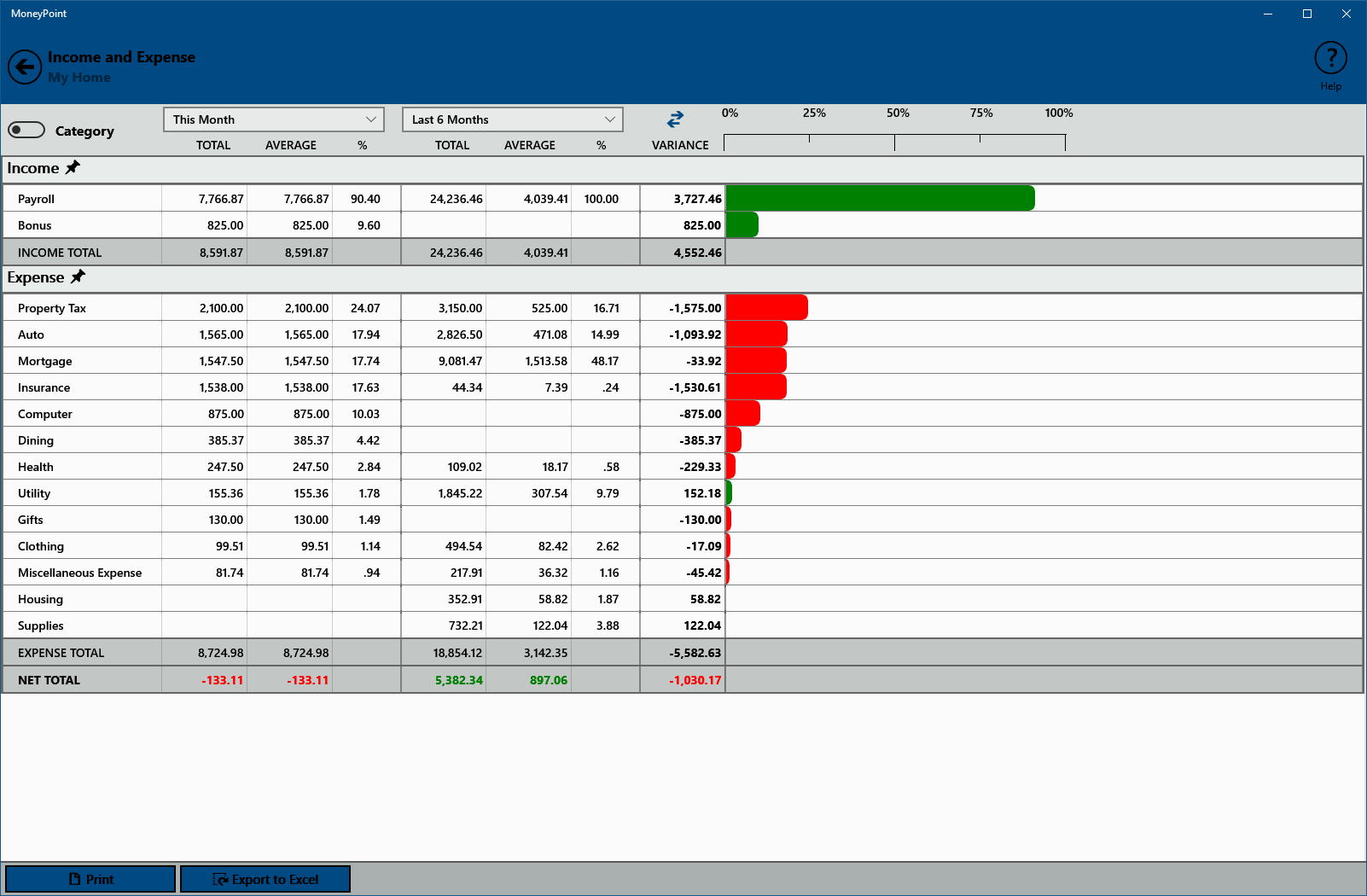
- Local Reporting and Projections: Generate detailed visual charts analyzing your cash flow, income versus expenses, and future balance projections.
Who Is This Financial Utility For?
The MoneyPoint personal finance tracker is an excellent match for privacy-conscious individuals, families managing a joint household budget, and small business owners who prefer not to link their corporate accounts to third-party cloud services. If you are currently using complex spreadsheets to track your spending, the clean import features of this tool make transitioning your historical data straightforward.
Complete Local Security and Zero Costs
Perhaps the most compelling argument for using this software is its absolute privacy model. With no external servers involved, nobody has access to your financial records except you. Furthermore, the application and its future updates are provided entirely free of charge, making it a highly accessible option for anyone looking to optimize their budget.
If you are ready to take control of your financial planning with a secure, offline tool, you can explore more and download the application on its official Microsoft Store page.